¶ Exodus Launcher
Download Exodus Launcher for Windows
The Exodus Launcher is the easiest way to keep your Exodus client ready to play.
It helps you choose your WoW 3.3.5a folder, clear the Cache folder, check for Exodus patch updates, and get into the game with less messing around.
¶ What it does
- Finds or lets you choose your WoW 3.3.5a client folder.
- Clears the Cache folder before you play.
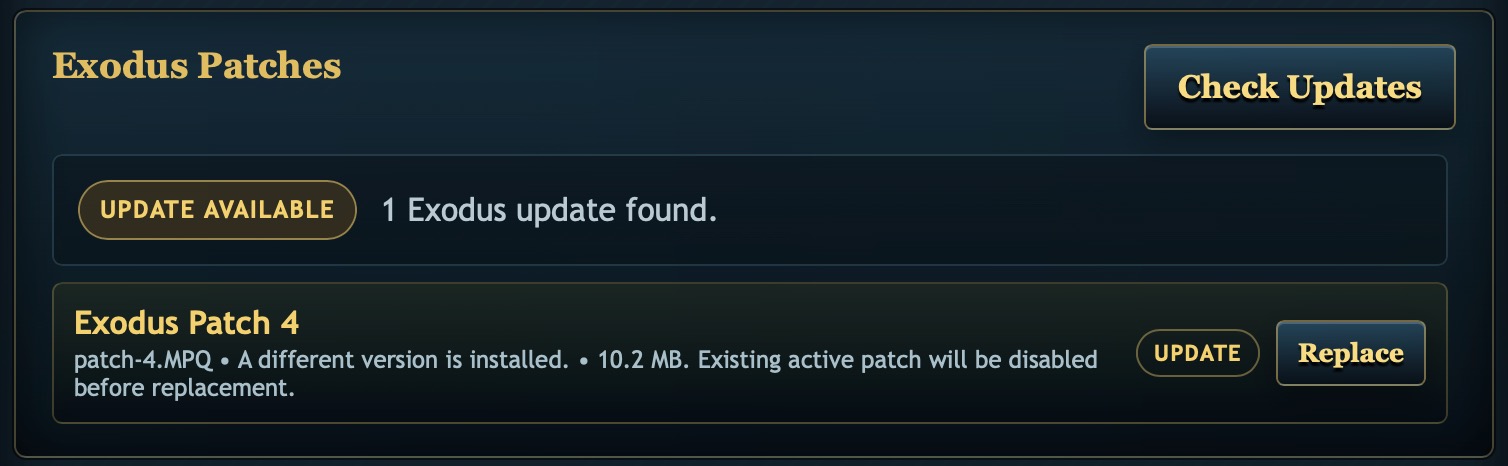
- Checks if the Exodus patch is current.
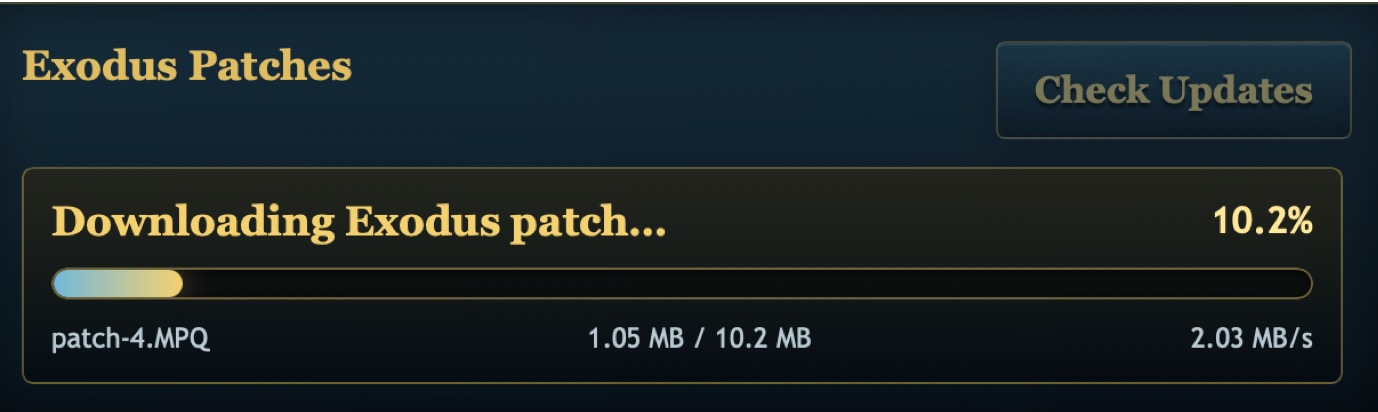
- Downloads and replaces the Exodus patch when an update is available.
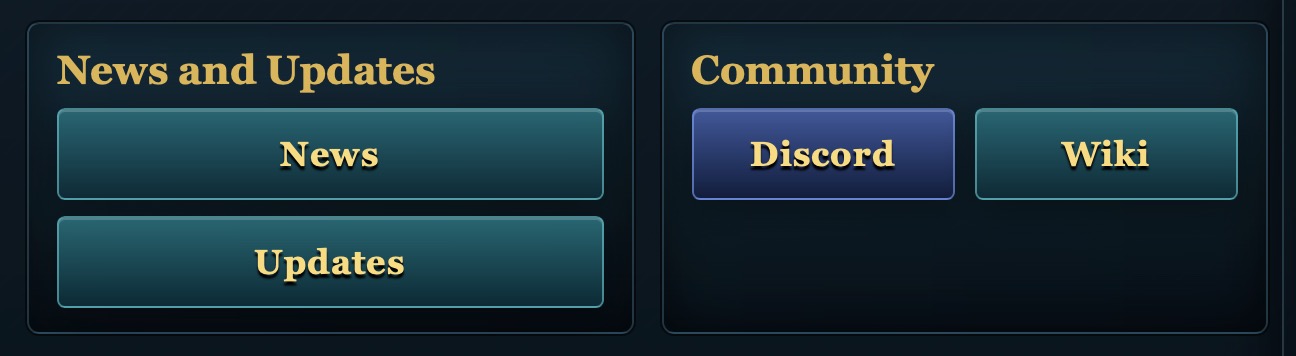
- Gives quick access to Exodus News, Updates, Discord, and the Wiki.
¶ How to use it
- Download the Windows launcher from the button at the top of this page.
- Open the launcher.
- If your WoW folder is not found automatically, click Browse and select your WoW 3.3.5a folder.
- Click Use Path.
- Click Check Updates.
- If a patch update is available, update/replace the patch.
- Click Play in the launcher after it is done.
Important
If something looks wrong in game after an update, close WoW and run the launcher again so the Cache folder gets cleared.
¶ Screenshots
¶ Launcher update check

¶ Main launcher screen
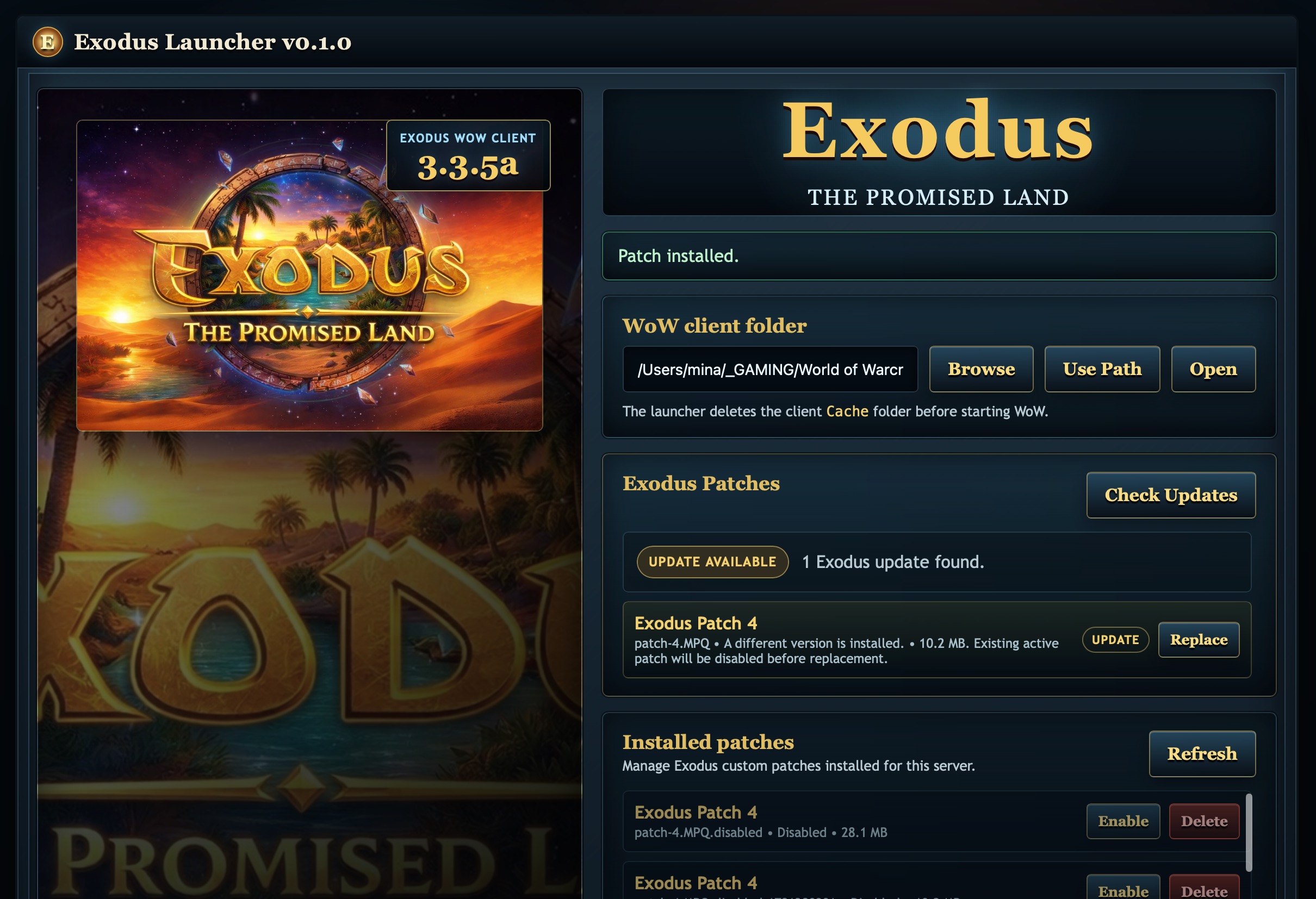
¶ Exodus patch update available
¶ Downloading an Exodus patch
¶ Checking patch status

¶ News, Updates, Discord, and Wiki links